
How to Access Vendor Statements at Baylor, Scott, and White
Step 1: Navigate to Vendor Statements
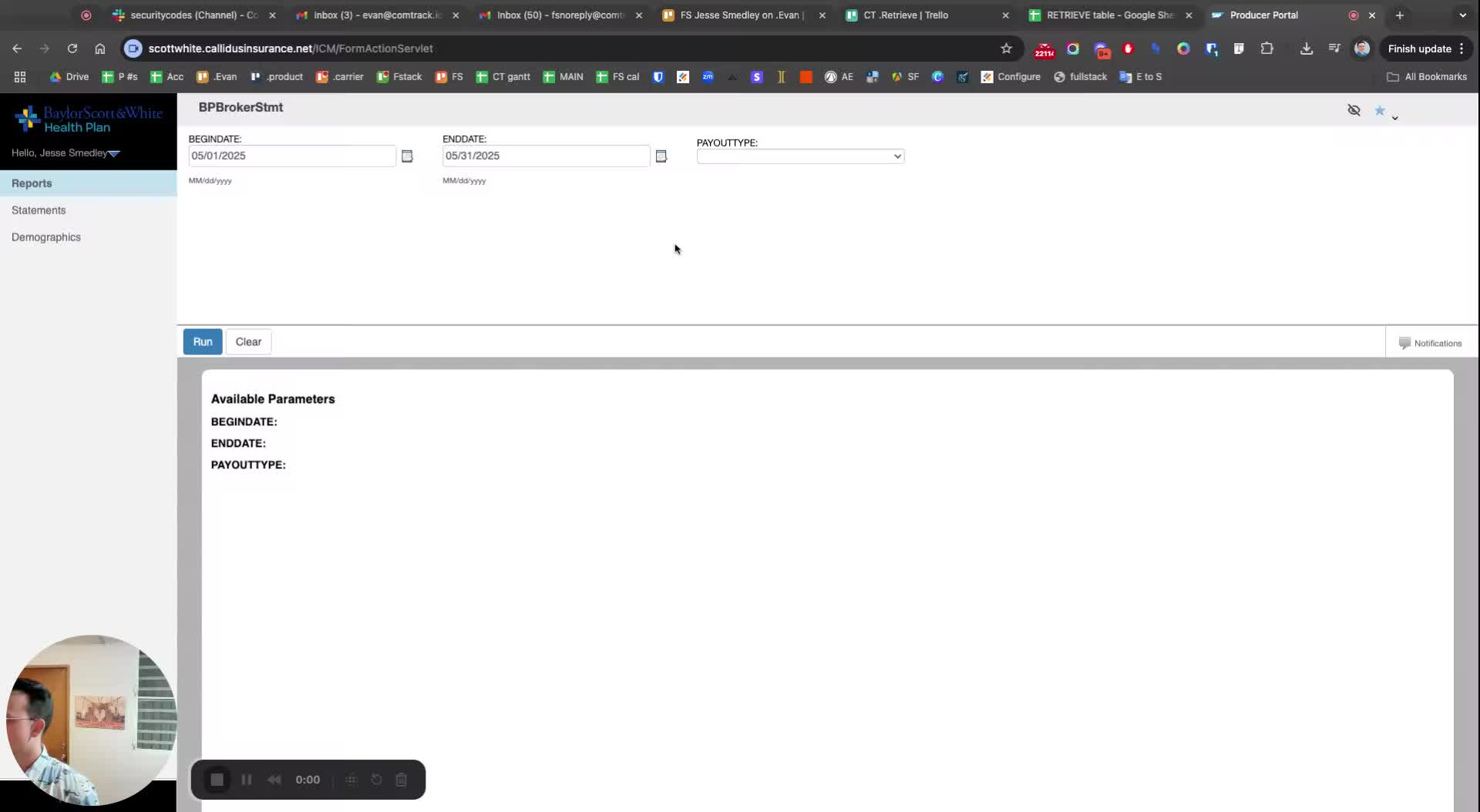
Go to the main menu.
Select 'Statements'.
Click on 'Vendor Statements'.
Step 2: View the Vendor Statement
Click on the 'View' button to access the statements.
Step 3: Enter the Required Information
-
Input the relevant details, such as:
Vendor name (e.g., B, S, W)
Date (e.g., 5, 5, 2025).
Step 4: Download the Statement
If you accidentally download the wrong month (e.g., May), you can repeat the previous steps to download the correct statement.