
ComTrack

Download Statements

Woodmen Life

Guide to Downloading Compensation Reports Step 1: Sign In and Enter Compensation PIN Sign in using your username and password. Enter the compensation PIN when prompted. Step 2: Acc
1 min readUpdated

Guide to Downloading Compensation Reports

Step 1: Sign In and Enter Compensation PIN

https://trello.com/1/cards/689c010a30ca8f6a5c747b9e/attachments/68b9ceff35829f02bf565867/download/1.jpg
  • Sign in using your username and password.

  • Enter the compensation PIN when prompted.

Step 2: Access Reports Section

https://trello.com/1/cards/689c010a30ca8f6a5c747b9e/attachments/68b9cfa43f18936a4f7085d3/download/2.jpg
  • After signing in, click 'OK' to proceed.

  • If not redirected automatically, click on 'All Reports'.

Step 3: Locate Compensation Reports

https://loom.com/i/80d0c0c3e41648968a51b28b0b7245aa?workflows_screenshot=true
  • Scroll down to find the 'Compensation Report' section.


Step 4: Set Date Range for Reports

https://loom.com/i/0419043251bd4d95b4a2f196f298794c?workflows_screenshot=true
  • Enter the start date and end date as per the workflow requirements.


Step 9: Identify All Compensation Reports

https://loom.com/i/0eb9c9a7f30c4905911f70bb6bcecec2?workflows_screenshot=true
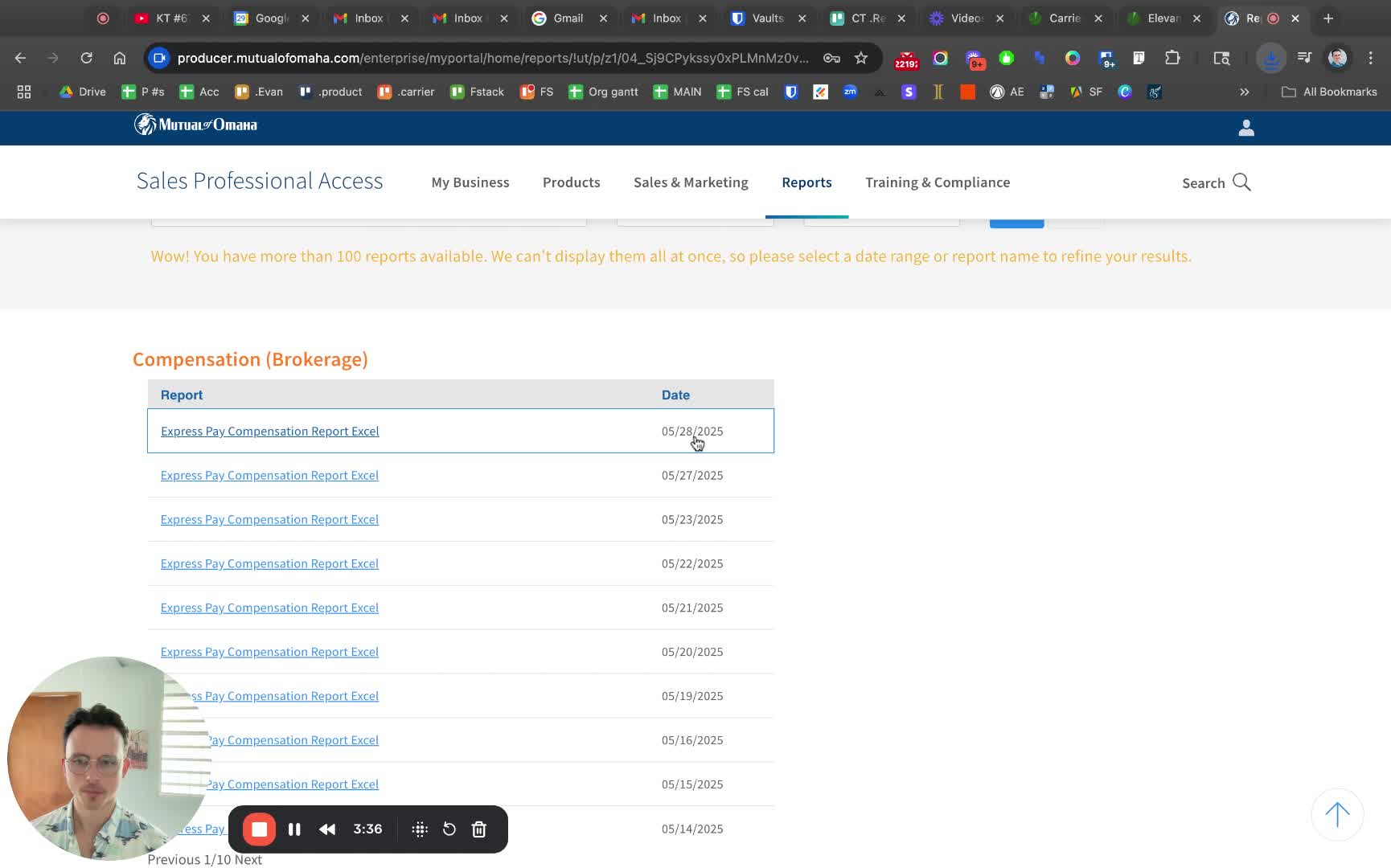
  • Look for any report labeled 'Compensation Report' and 'Excel'.

  • Include any additional identifiers from parentheses in the file name.

Step 10: Download ExpressPay Compensation Report

 
  • Check for 'ExpressPay Compensation Report'.

  • Download it with the appropriate date in the file name.


https://loom.com/i/4ca45c3349d14c7589e8b30c5c075ea7?workflows_screenshot=true