
Exporting Commissions from UnitedHealthcare Group
Step 1: Access Commissions
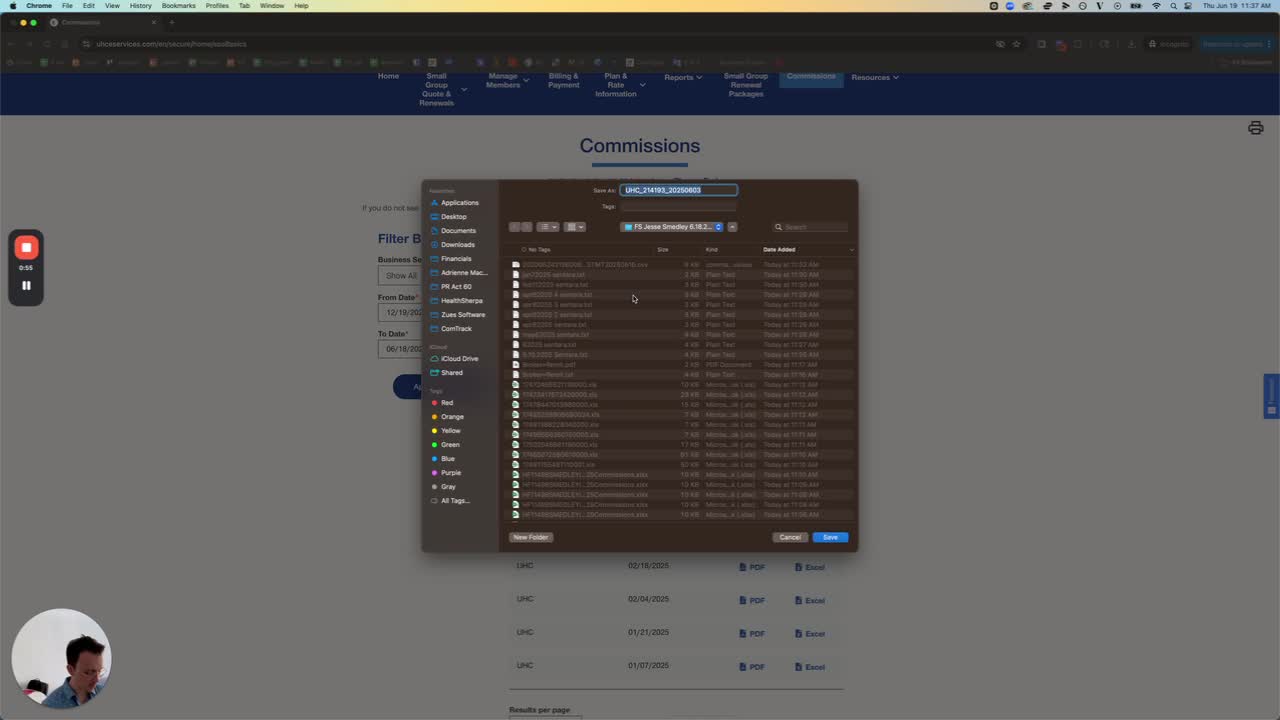
Open the UnitedHealthcare Group platform.
When a pop-up appears, select 'No'.
Navigate to the 'Commissions' section.
Step 2: Select Broker
Click on 'Select Broker'.
Check if there are any entries available.
Step 3: Change Broker if Necessary
If no entries are found, click on 'Change Broker'.
Select 'Smith' as the new broker.
Step 4: Review Available Commissions
Check the list of available commissions for the selected broker.
Choose the commissions you want to include.
Step 5: Export Selected Commissions
Ensure all desired commissions are selected.
Click on 'Export' to download the selected commissions.
Step 6: Confirmation
Confirm that the export was successful.
End the process.