
ComTrack

Download Statements

Med Mutual

How to Access the Detailed Commission Statement in Medical Mutual Step 1: Navigate to Compensation Open the Medical Mutual platform. Go to the 'Compensation' section. Step 2: Acces
1 min readUpdated

How to Access the Detailed Commission Statement in Medical Mutual


Step 1: Navigate to Compensation

https://trello.com/1/cards/689c000e7ae6b4b571bdd96b/attachments/68b96e7f1a3ba7a261dfc3df/download/1.jpg
  • Open the Medical Mutual platform.

  • Go to the 'Compensation' section.


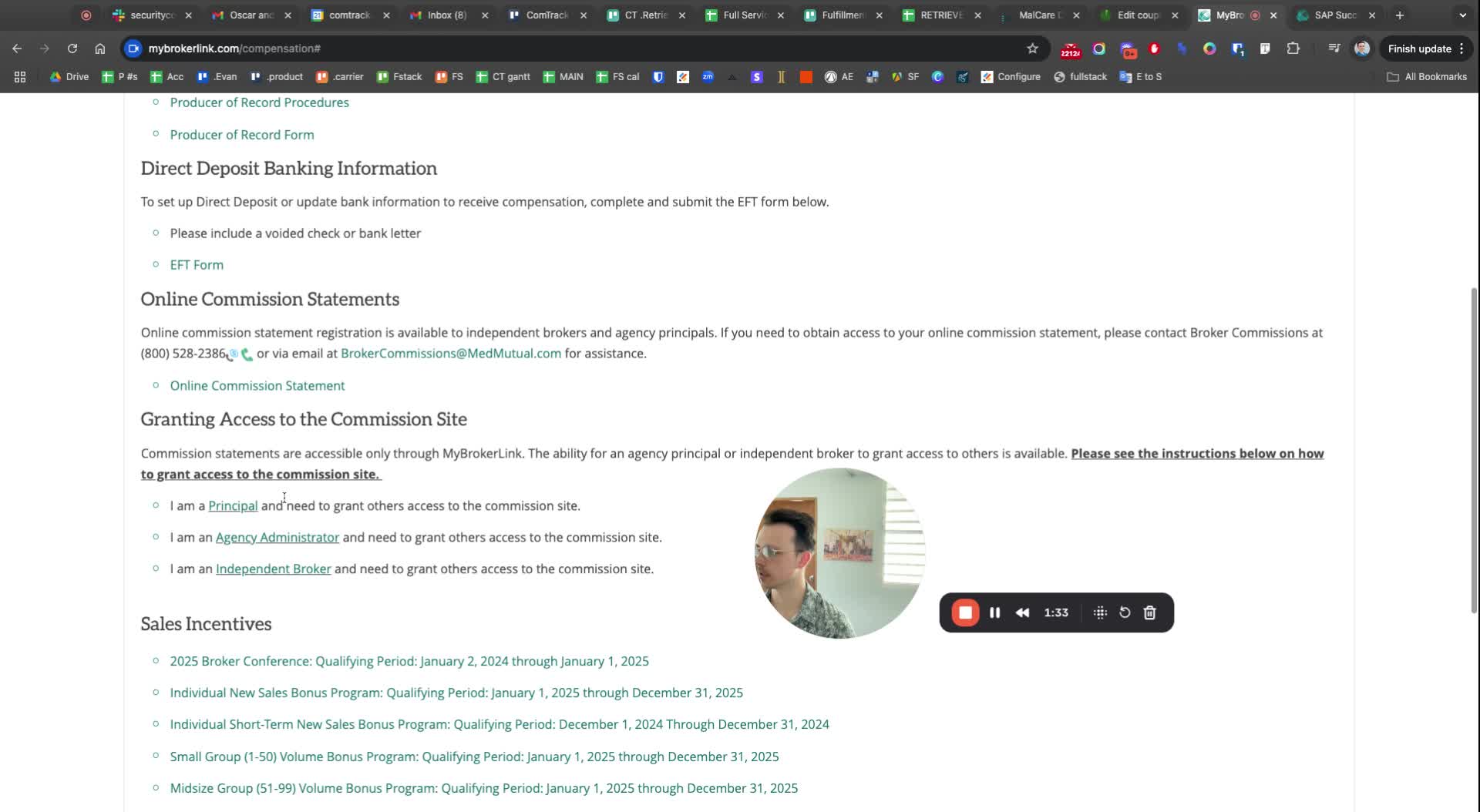
Step 2: Access Online Commission Statement

https://loom.com/i/40cf4d5a1f9c46568f374c5ce8ae0c14?workflows_screenshot=true
  • Click on 'Online Commission Statement'.


Step 3: Identify the Correct Document

https://trello.com/1/cards/689c000e7ae6b4b571bdd96b/attachments/68b96ef301225dc5720ae9ea/download/3.jpg


  • Look for the relevant commission statement.

  • Dismiss unnecessary options such as:

    • Small group bonus

    • Small group book of business

    • Service fee detail

    • Override detail


Step 4: Select the Detailed Commission Statement

https://trello.com/1/cards/689c000e7ae6b4b571bdd96b/attachments/68b96ec90cb9075da4bd5e82/download/4.jpg
  • Confirm that you need the 'Detailed Commission Statement'.

  • Consider if you need the 'Medsub Com Detail' or adjustments.


Step 5: Download the Statement

https://trello.com/1/cards/689c000e7ae6b4b571bdd96b/attachments/68b96edc8361ac3f70c6c44b/download/5.jpg
  • Click to download the detailed commission statement.

  • The file will download in Excel format.


Was this article helpful?