
How to Access and Download Statements from Physicians Mutual
Step 1: Log In to Physicians Mutual
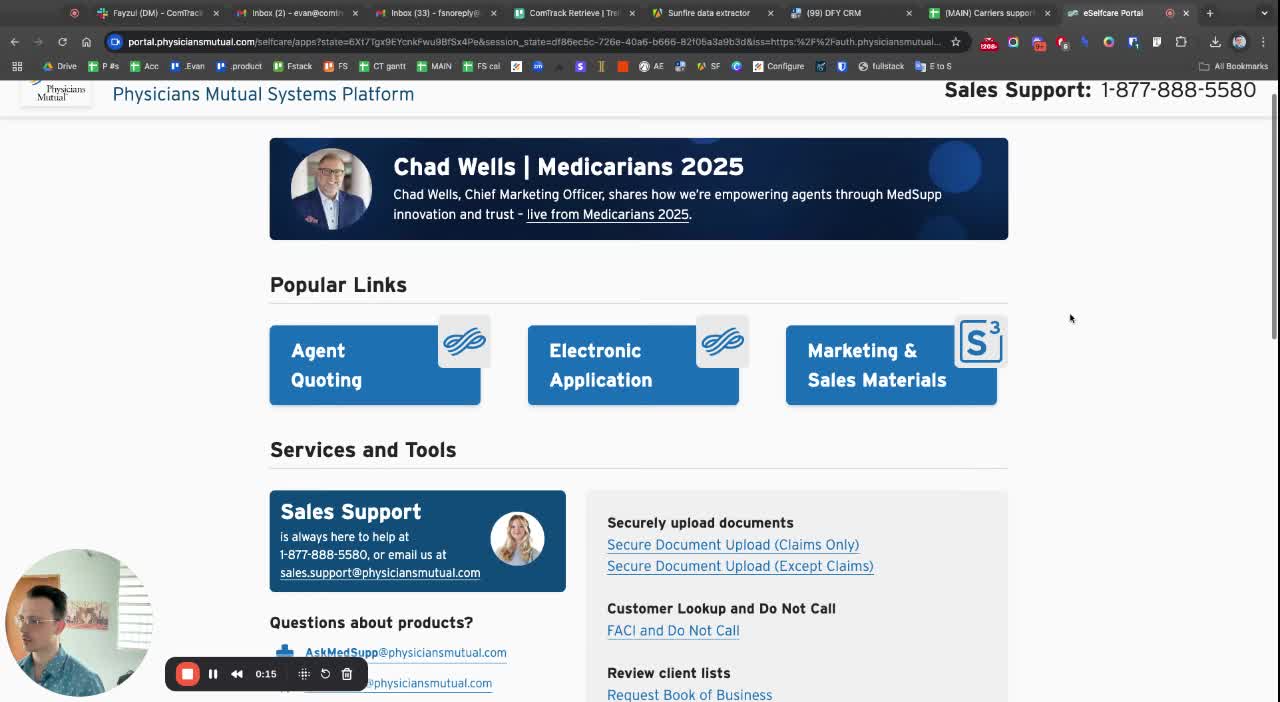
Go to the Physicians Mutual login page.
Enter your credentials (the system may auto-fill your username).
You will be directed to the main page.
Step 2: Choose Search Type
Select either 'Individual Search' or 'Corporation Search' based on your needs.
Step 3: Conduct Individual Search
Enter the NPN (National Producer Number) in the search field.
Click 'Find'.
If it shows 'No Records Shown', proceed to the next step.
Step 4: Conduct Corporation Search
Enter the corporation name or intermediary name in the search field.
Click 'Find' to search for records.
Step 5: Access Compensation Statements
After finding the relevant records, navigate to the 'Compensation' section.
Click on 'View Statements' to access your statements.
Step 6: Download Statements
Download each week's statement by clicking on the respective links.
Rename the downloaded files appropriately (e.g., 'Mutual Jan, week 1').
Step 7: Repeat for Additional Weeks
Close any pop-up windows after downloading.
Repeat the download process for each subsequent week.
Step 8: Finalize Downloads
Ensure all statements are downloaded and correctly named.
Review the downloaded files to confirm completion.