
How to Access and Download E-B-C-A Statements
Step 1: Log In
Go to the login page.
Enter your username and password.
Click on the 'Sign In' button.
Step 2: Navigate to Statements
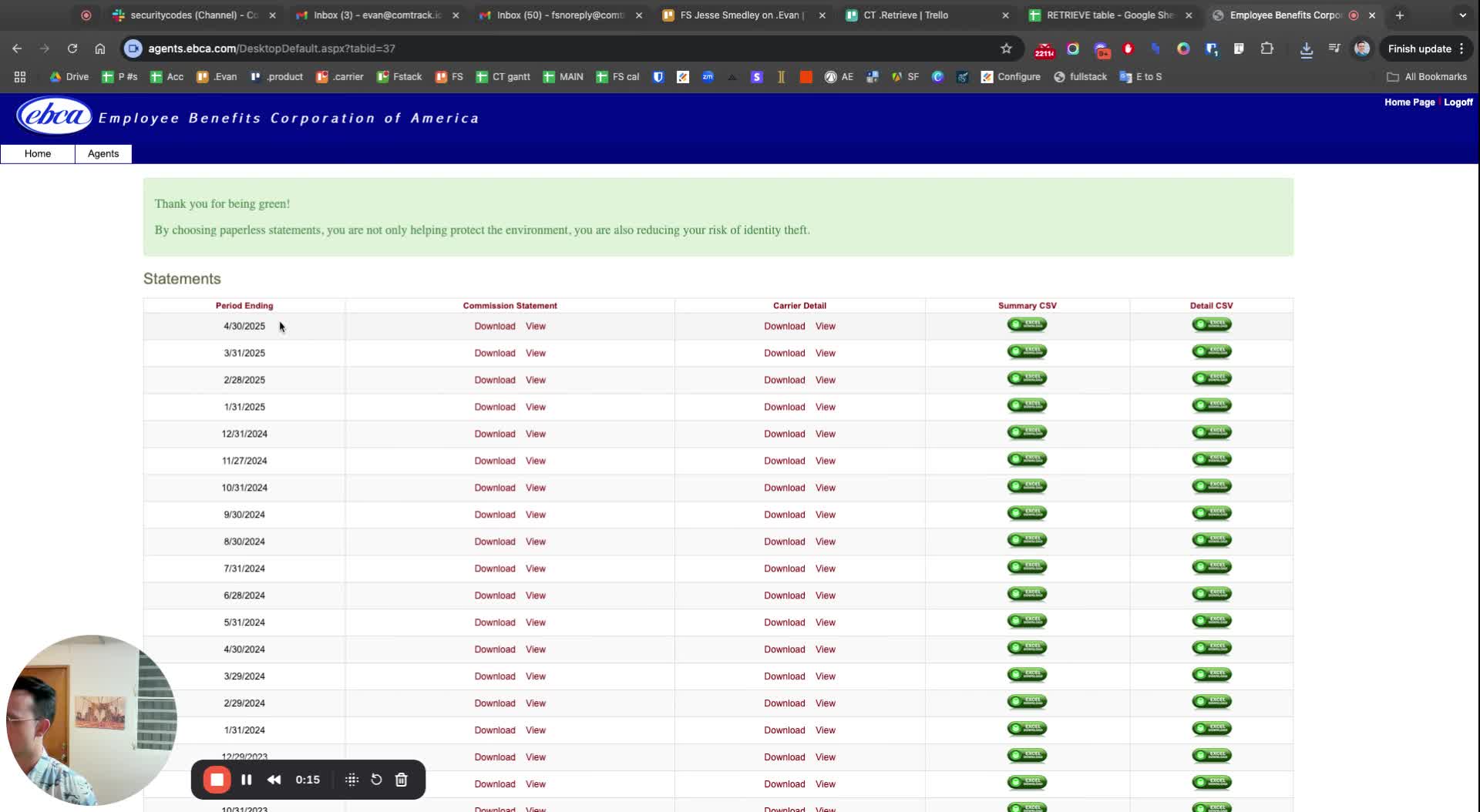
Once logged in, locate the 'Agents' section.
Click on 'Statements' to access the statements page.
Step 3: Download the CSV File
Look for the option to download the statement as a CSV file.
Click on 'Detail CSV' to initiate the download.
Step 4: Rename the File
After downloading, rename the file to 'E-B-C-A'.
Include the date in the file name for reference.