
ComTrack

Download Statements

Fidelis FMO

How to Download Commissions from Fidelis Step 1: Access Agent Tools Log into the Fidelis platform. Navigate to the 'Agent Tools' section. Step 2: Select My Commissions Click on 'My
1 min readUpdated

How to Download Commissions from Fidelis


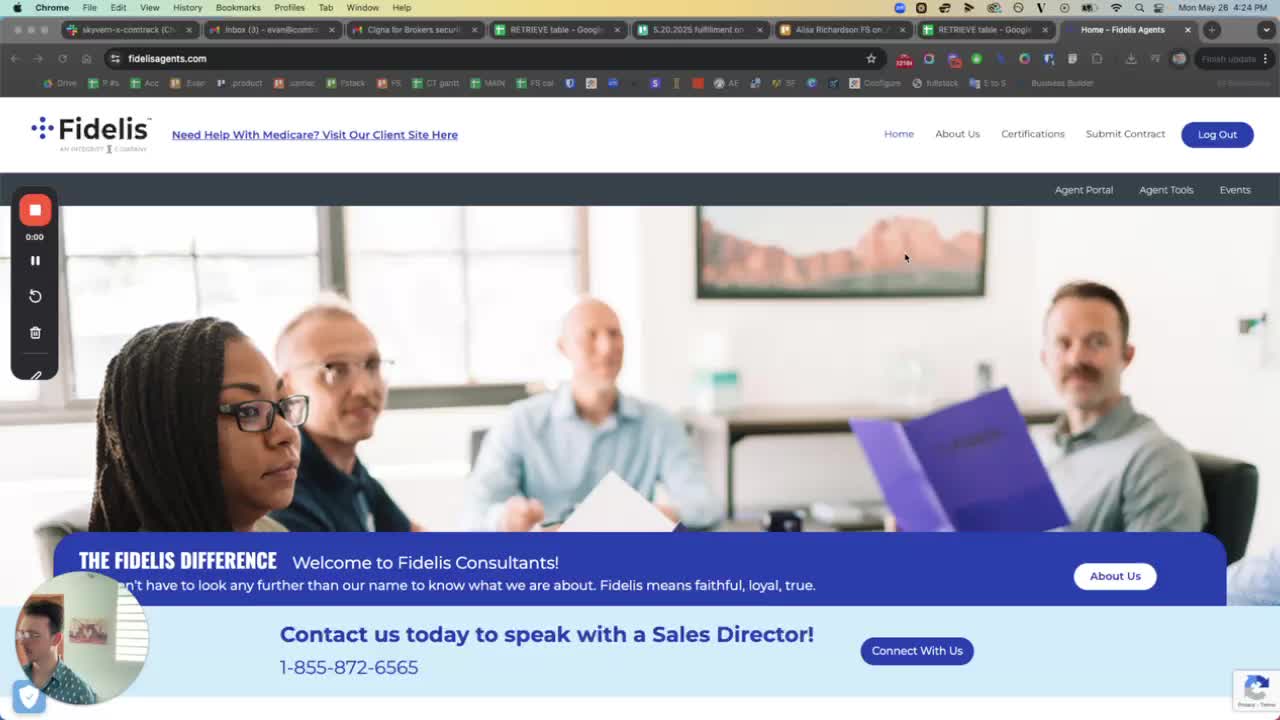
Step 1: Access Agent Tools

https://loom.com/i/8bc09d8fc286401e8826a281b4b78947?workflows_screenshot=true
  • Log into the Fidelis platform.

  • Navigate to the 'Agent Tools' section.


Step 2: Select My Commissions

https://loom.com/i/8bc09d8fc286401e8826a281b4b78947?workflows_screenshot=true
  • Click on 'My Commissions' to view your commission details.


Step 3: Choose the Desired Commissions

https://trello.com/1/cards/689c0048431095a00a29e3e6/attachments/68aee9d642432eade07486ff/download/3.jpg
  • Select the specific commissions you want to download.


Step 4: Download the Excel File

https://trello.com/1/cards/689c0048431095a00a29e3e6/attachments/68aee9e9312adab3c70dae1b/download/4.jpg
  • Ensure you select the Excel format for download.

  • Note that the downloaded file will have 'Fidelis' as a suffix in the file name.


Step 5: Confirm Download

https://trello.com/1/cards/689c0048431095a00a29e3e6/attachments/68aee9fa376b8d84ec66899a/download/5.jpg
  • Wait for the download to complete.

  • Check your downloads folder for the file.