
Guide to Exporting Commission Statements from Geoblue Travel
Step 1: Access Geoblue Travel
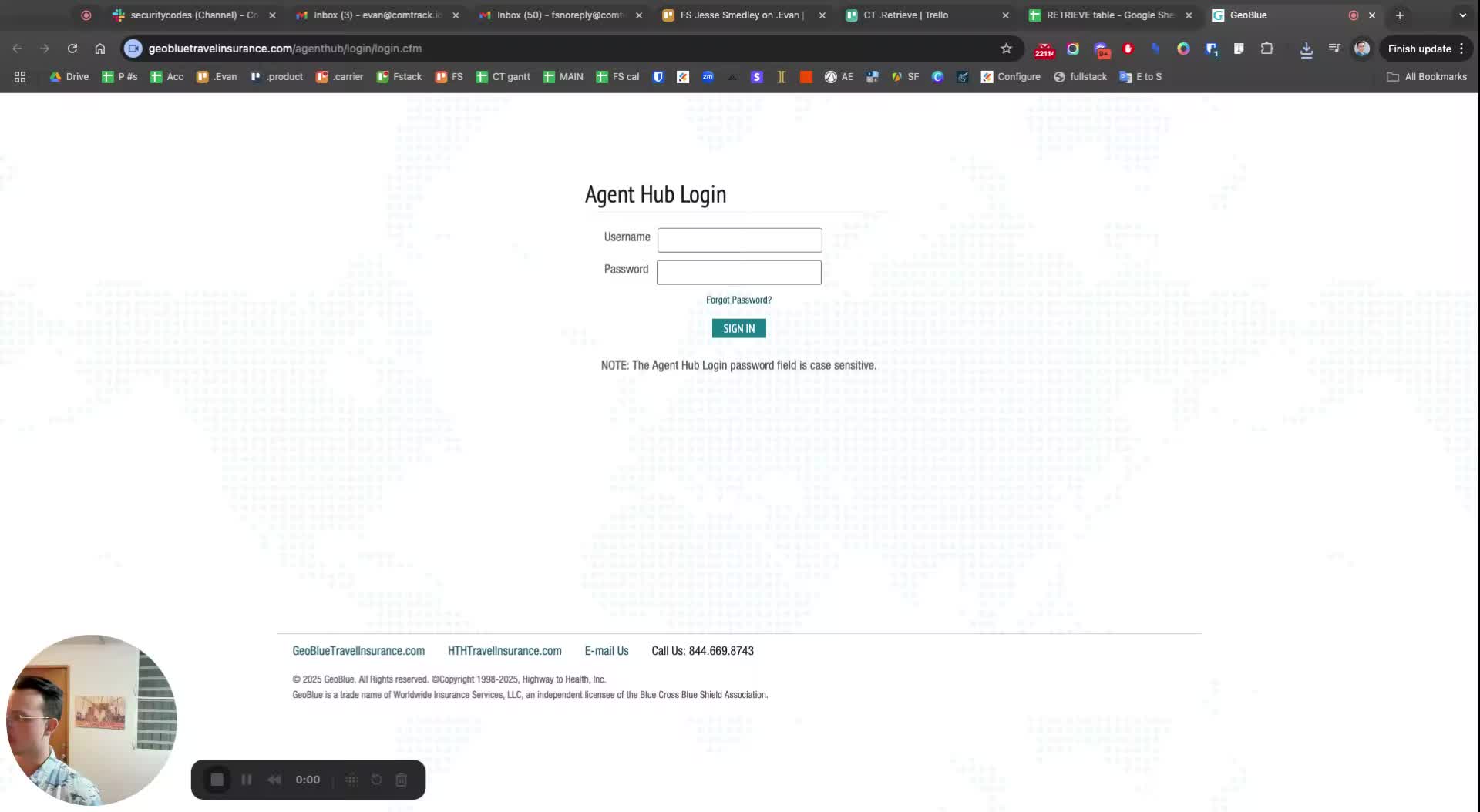
Open the Geoblue travel platform.
Ensure you are logged in to your account.
Step 2: Locate Commission Statements
Navigate to the section for commission statements.
Note: The speaker expresses surprise at the interface.
Step 3: Select Commission Statements
Select all relevant commission statements.
Use the selection tool to highlight the statements you need.
Step 4: Export to PDF
Click on the export option.
Choose 'Export to PDF' to download the statements.
Step 5: Repeat Process if Necessary
If you need additional statements, go back and repeat the selection and export process.