
Guide to Using Oscar for Commissions
Step 1: Accessing Oscar
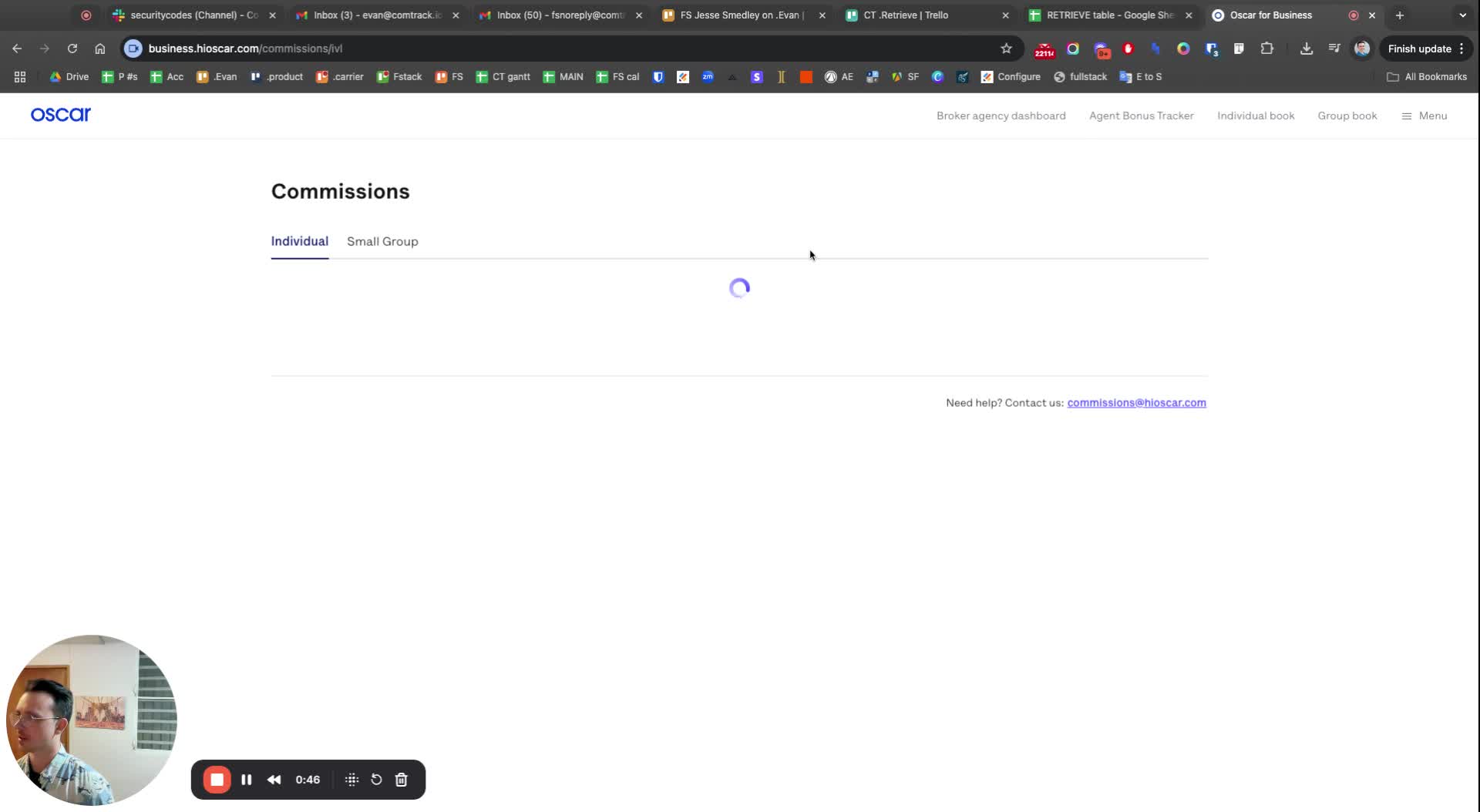
Start by logging into the Oscar platform.
Familiarize yourself with the interface.
Step 2: Navigating to Commissions
Look for the menu option related to commissions.
Select the appropriate section to manage commissions.
Step 3: Selecting Payee for Individual Commissions
Choose the payee from the list provided.
If there are multiple options, go through each one to find the correct payee.
Step 4: Setting Status and Downloading Statement
Set the status of the commission to 'paid'.
Click on 'Download statement' to retrieve the commission statement.
Step 5: Managing Small Group Commissions
Switch to the small group section for managing group commissions.
Note that there may be multiple options available for payees in this section.
Step 6: Finalizing the Process
Ensure all necessary steps are completed.
Confirm that all statements are downloaded and saved as needed.