
Exporting Statements for Team Alvarez
Step 1: Log In
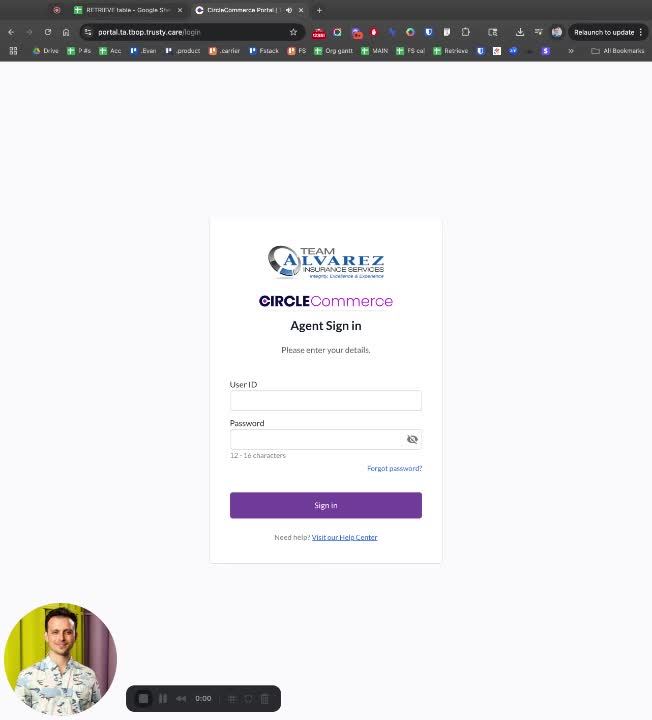
Begin by logging into the system.
Navigate to the 'Statements' section.
Step 2: Export Table
Click on the 'Export Table' option.
Step 3: Select Rows
Choose 'All Rows Matching Filters' for the export.
Step 4: Rename File
Add 'Team Alvarez' to the filename before finalizing the export.
Step 5: Repeat Process
Follow the same steps for any additional exports needed.