
Downloading Commission Statements
Step 1: Access Commission Statements
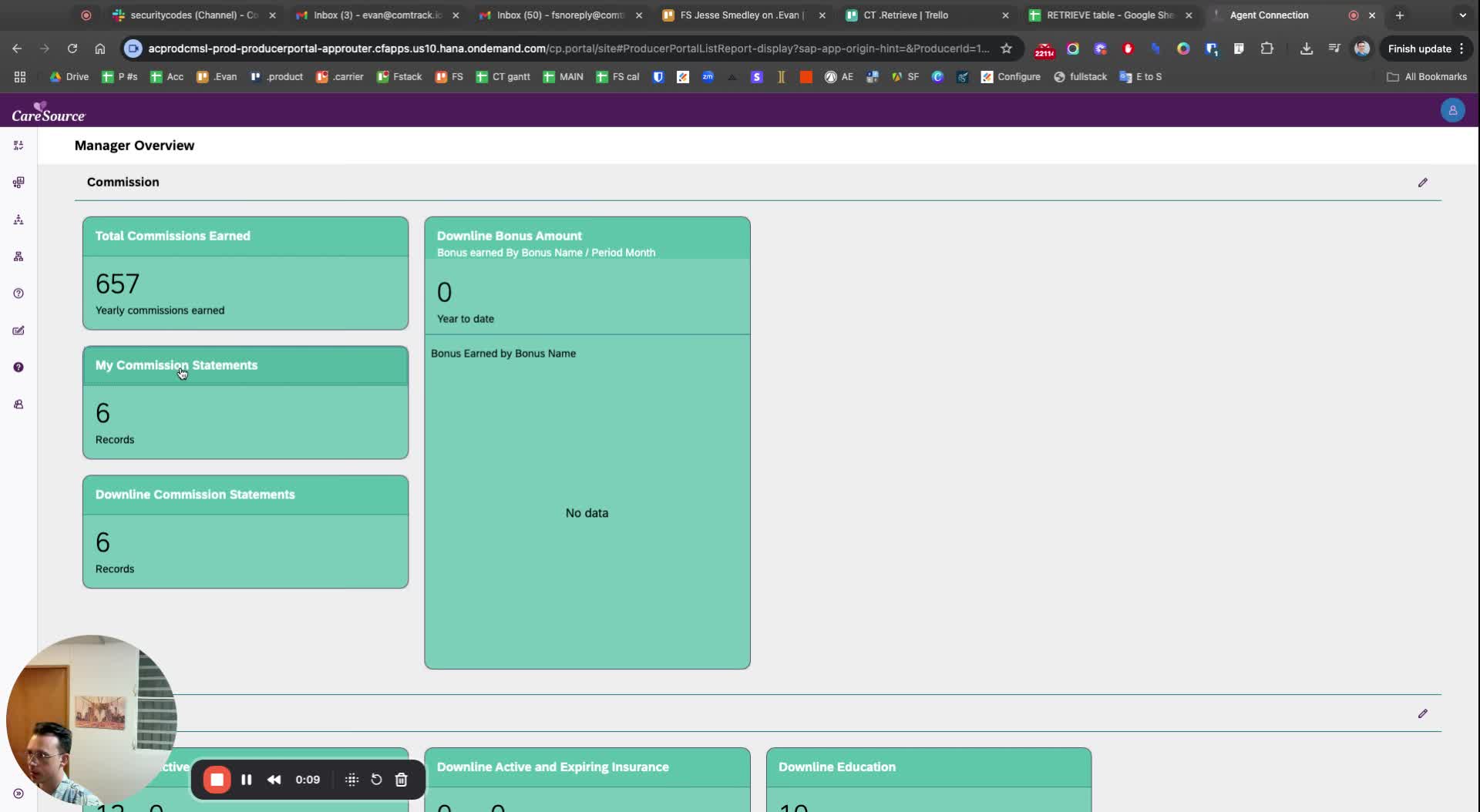
Navigate to the Commission section.
Click on 'My Commission Statements'.
Step 2: Download Statements
For each statement, click on the 'Download' button.
Step 3: Check File Format
Note that the downloaded files are in PDF format.
Consider if you need them in a different format, such as Excel.
Step 4: Explore Conversion Options
If you need to convert PDF files to another format, look for file converters.